Print your world, pocket-sized
Tiny Print turns your phone into a portable print studio. Send crisp grayscale photos, journaling stickers, labels, notes and AI-made art straight to your mini Bluetooth thermal printer — no ink, no cables, no fuss.
Works with your phone and your mini printer
Tiny Print is built for portable Bluetooth thermal printers and runs on the devices you already own.
iPhone
Requires iOS 12.0 or later.
Android
1M+ downloads on Google Play.
Mac
Runs on Apple silicon (M1 or later).
Bluetooth printers
Pairs with mini thermal printers over Bluetooth.
A complete printing toolbox
Everything you need to turn photos, text and ideas into pocket-sized prints.
Grayscale photo printing
A super-resolution grayscale engine is designed to keep detail sharp on monochrome thermal paper.
Graphic editing
Crop, adjust and lay out images before you print.
Templates & frames
Start from ready-made templates, frames and sticker materials.
Web page printing
Capture and print content straight from web pages.
Banner & label printing
Print long banners and labels for events and organizing.
Text extraction
Pull text out of images and print clean, readable notes.
Create with AI, then print
A built-in AI toolbox turns a photo or a prompt into print-ready art.
Cartoonish portraits
Turn a portrait into a playful cartoon.
Line art
Convert photos into clean line drawings to print and color.
Versatile scenes
Compose subjects into fresh backgrounds and scenes.
Text to image
Type a prompt and generate art to print.
Doodle practice
Trace and practice drawing with guided doodles.
Print in three taps
From phone to paper in seconds — no ink and no cables.
Connect your printer
Pair any mini Bluetooth thermal printer in the app.
Choose or create
Pick a photo, template or AI creation and edit it your way.
Print instantly
Send it to your printer and watch it appear on thermal paper.
Take a look inside the app
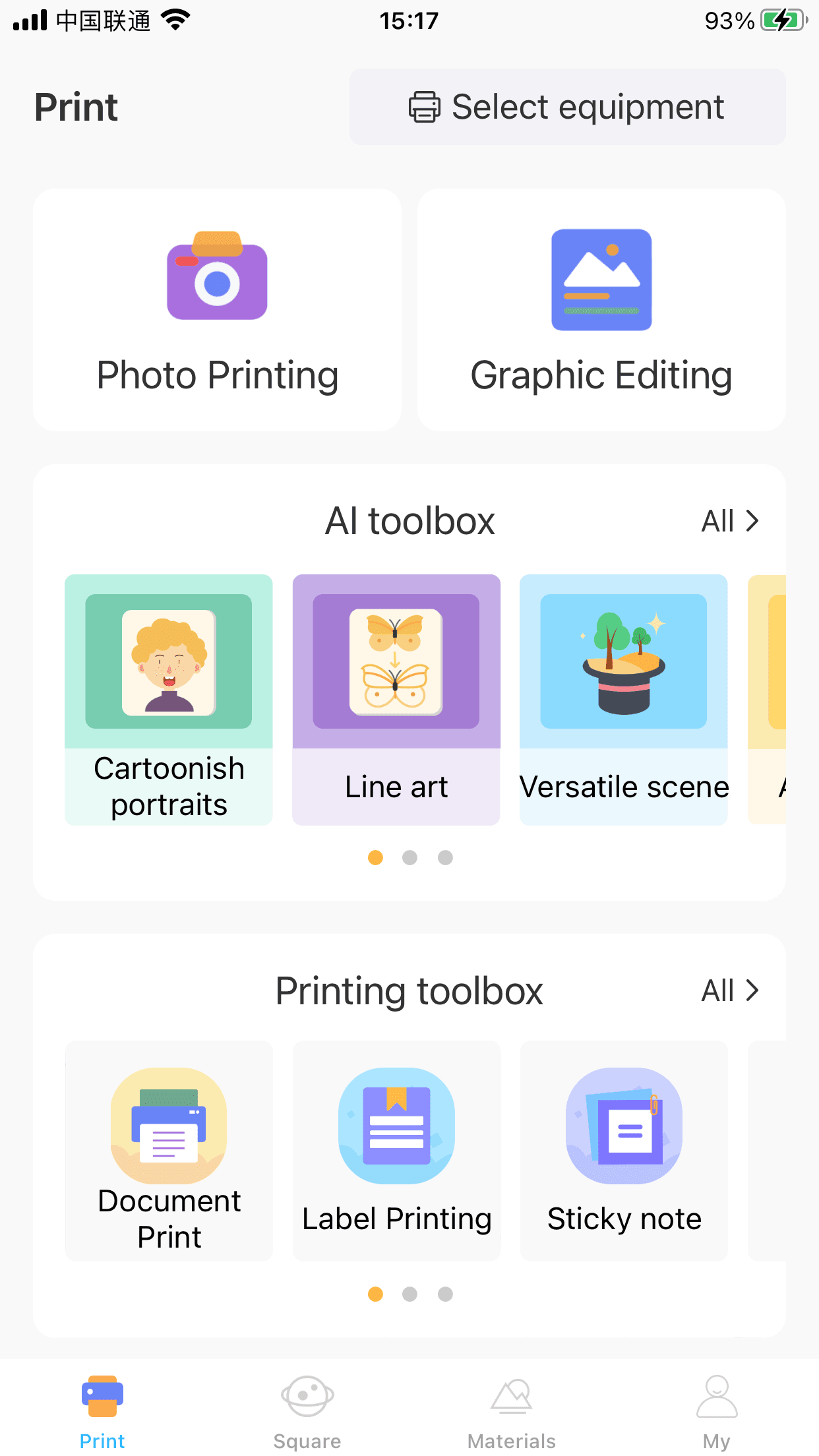
Print tools, an AI toolbox, a sticker library and a sharing community.
Print home
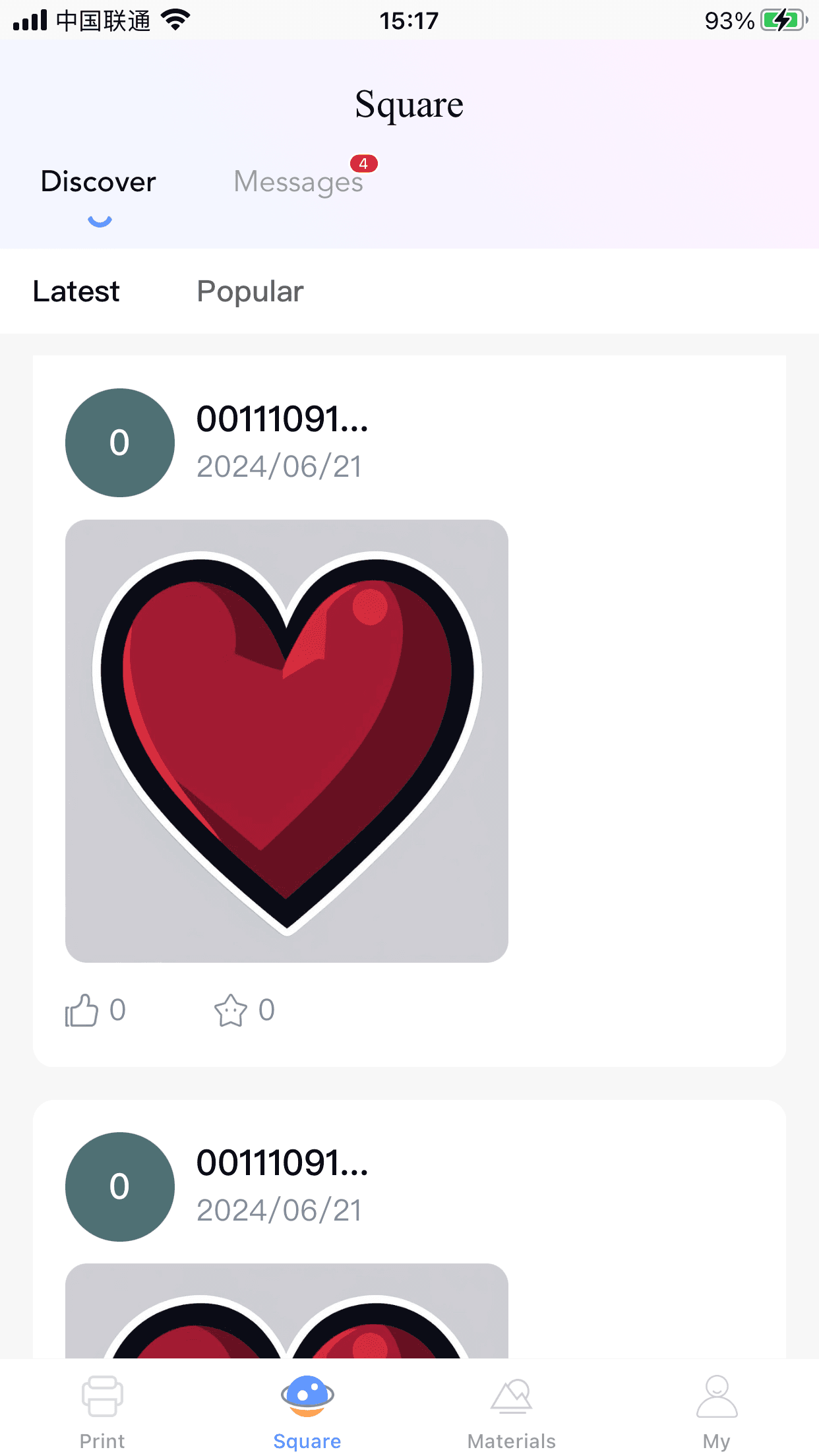
Community square
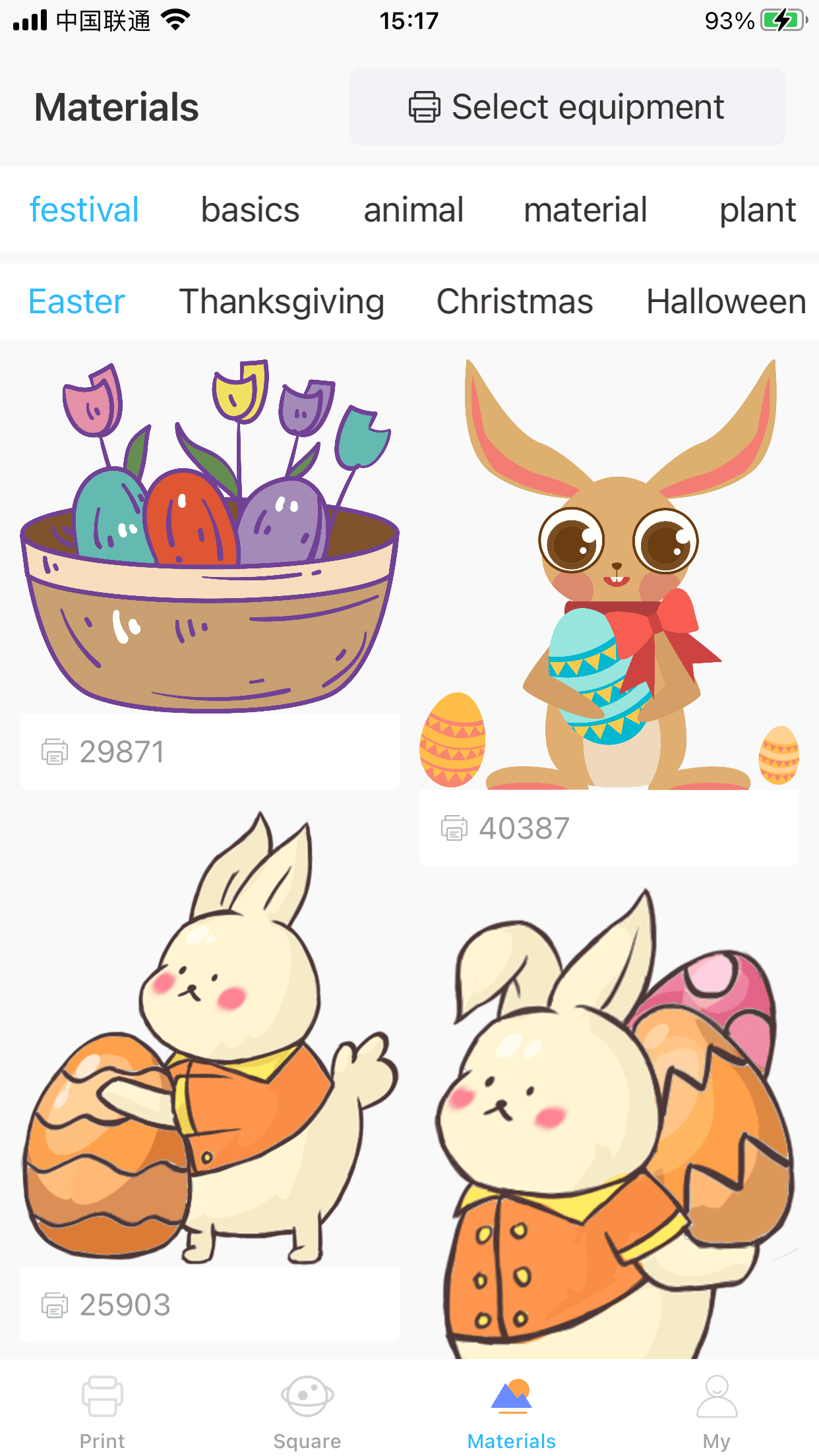
Sticker materials
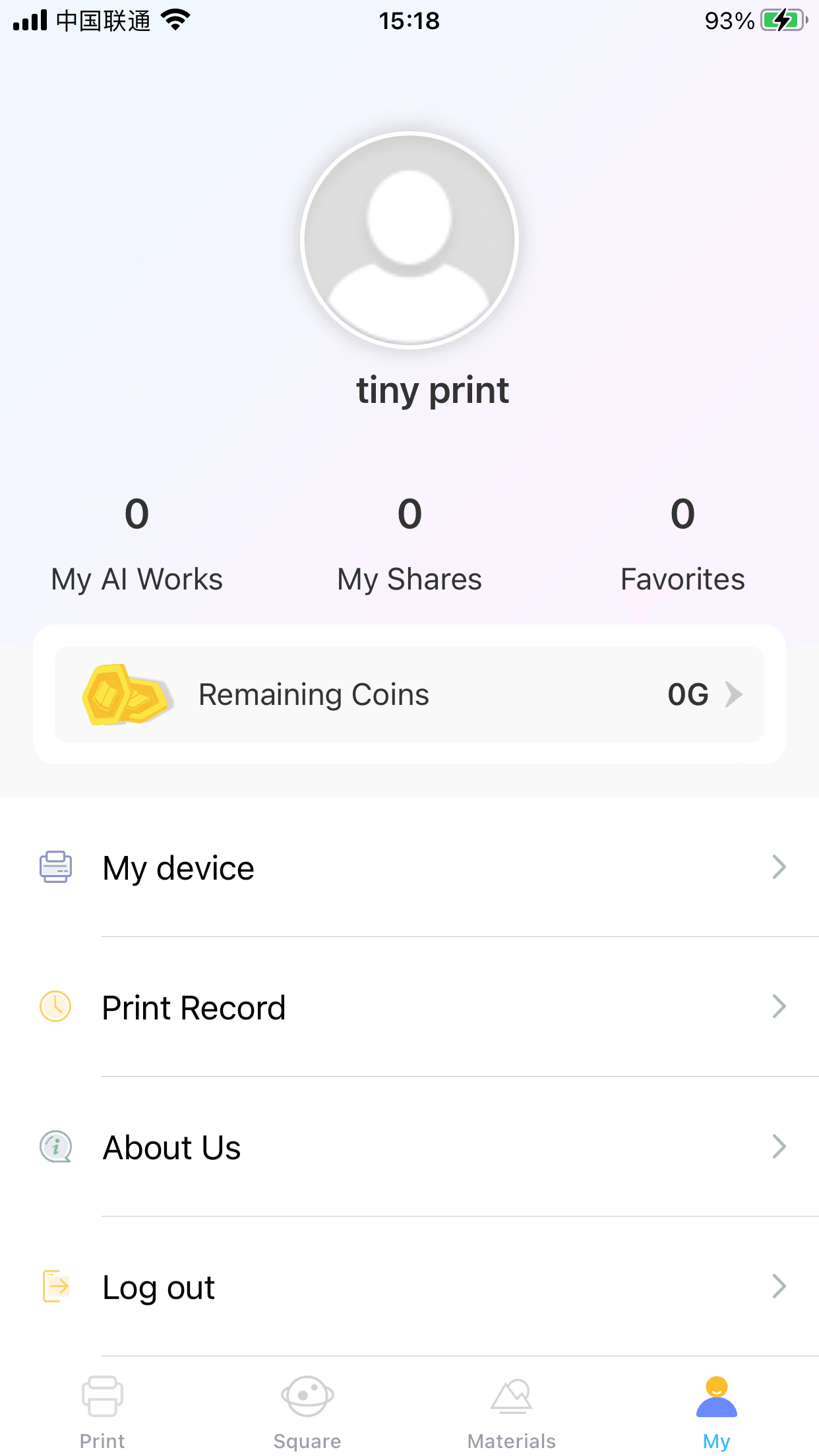
Your profile
Made for the little things worth printing
However you like to create, Tiny Print fits in your pocket.
Journaling
Stickers, headers and memos for your journal.
Stickers & labels
Cute labels for organizing and gifting.
Study notes
Quick notes, formulas and reminders.
Mini photos
Tiny keepsake photos for lockets and albums.
Kids & crafts
Coloring line art and family craft time.
To-do lists
Daily lists and habit trackers.
Help center
Guides and answers for setting up, printing and creating.
Getting started
Install Tiny Print and print your first photo.
Read guideConnect your printer
Pair over Bluetooth and find your printer name.
Read guidePrinting guide
Photos, templates, web pages and text extraction.
Read guideAI creative tools
Cartoonize, line art, scenes and text-to-image.
Read guideTroubleshooting
Fix connection drops and improve print quality.
Read guideFAQ
Pricing, platforms and supported devices.
Read guideWhat people print with Tiny Print
Real use from mini-printer owners, journalers and parents.
“Works well, exactly as described. I've used other mini thermal printers and this one, for the price, works the best.”
“A really good tiny printer. It's fun printing cool photos and notes, easy to use and completely free. Highly recommend.”
“Pretty happy with the results of this tiny printer. Not super clear, but perfect for the small pictures I needed.”
“Love the app. Very easy and quick to use, and it connects to my printer without any fuss.”
“My cousin sent me this printer, and with this app I can print cool pics. It's so much fun!”
“There was absolutely nothing wrong with it. Got it for my birthday, it's great and cheap. Five stars!”
Free to download, with optional extras
Tiny Print is free to install and use. Premium AI generations use in-app coins.
Pricing and in-app purchase options are set by the app stores and may vary by region.
- Grayscale photo & document printing
- Templates, frames & stickers
- Bluetooth printer pairing
- Web page, banner & text printing
- Sticker materials library
Sample coin packs on the App Store: 50 / 500 / 5,000 / 50,000.
Frequently asked questions
Answers to the most common Tiny Print App questions.
Is the Tiny Print app free?+
Yes. Tiny Print is free to download and use on iOS and Android. Some premium AI features use in-app coins.
Is there a Tiny Print app for Android?+
Yes. Tiny Print is available on Google Play with more than 1M downloads, alongside the iPhone version.
Does Tiny Print work on iPhone?+
Yes. Tiny Print requires iOS 12.0 or later and also runs on Apple silicon Macs.
Can I use Tiny Print on PC or Windows?+
Tiny Print is a mobile app for iPhone and Android. There is no official Windows version — use your phone to connect to the printer.
Where can I download the Tiny Print APK?+
Always install from the official Google Play listing to get a safe, up-to-date version. Avoid third-party APK sites.
Which printers does Tiny Print support?+
Tiny Print is a companion for mini Bluetooth thermal printers. Pair your printer in the app to start printing.
The app isn't working — what can I do?+
Restart the app, re-pair Bluetooth and update to the latest version. See the troubleshooting guide for more steps.
 Tiny Print App
Start printing in seconds
Download Tiny Print free and turn your phone into a pocket print studio.

Newsletter
Join the community
Subscribe to our newsletter for the latest news and updates